Place an AR planetarium in your room
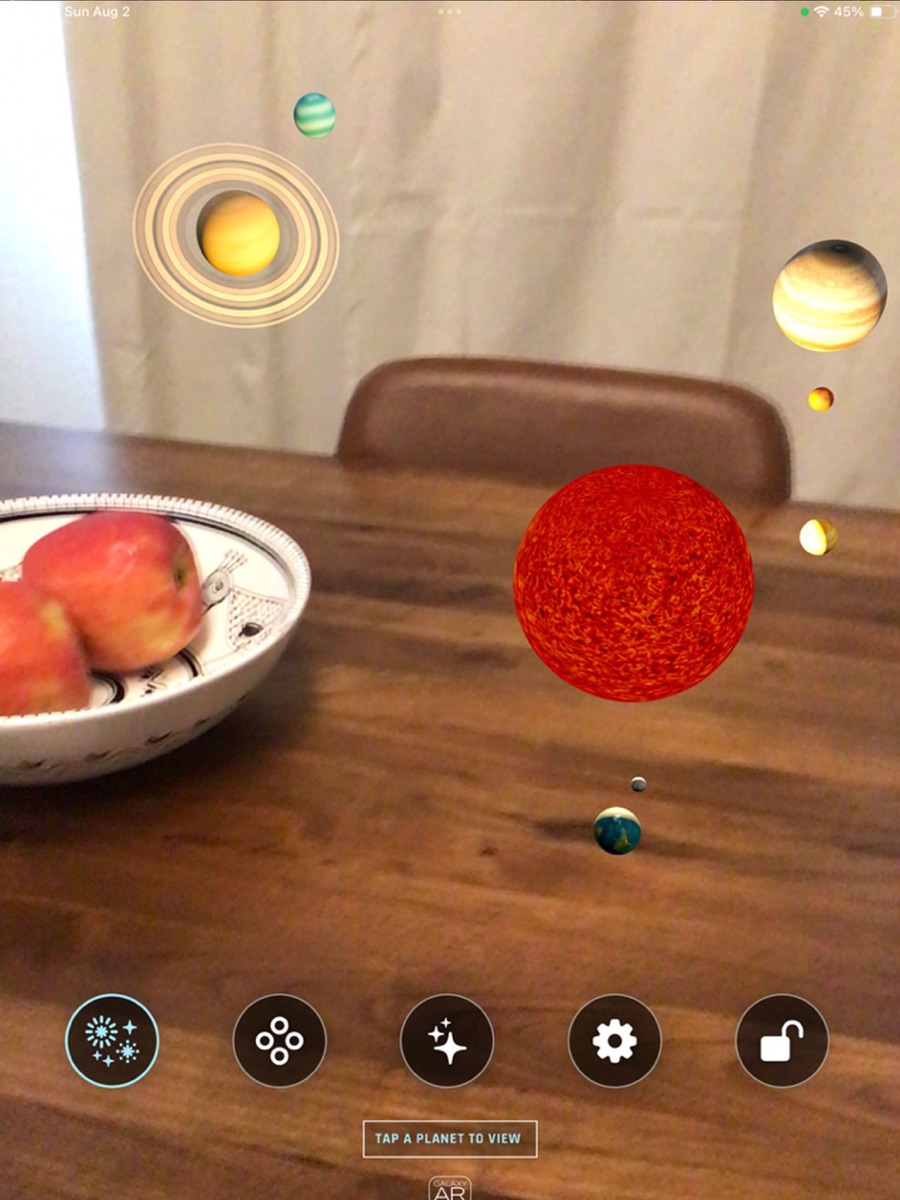
Anchor the planetarium experience in your space, walk around it, and change its height, scale, speed, visual density, and galaxy layout.


Turn your iPhone or iPad into an immersive augmented reality and virtual reality planetarium. Galaxy AR places a living, interactive three-dimensional galaxy in your room and lets you step into VR planet visits.
Anchor the planetarium experience in your space, walk around it, and change its height, scale, speed, visual density, and galaxy layout.
Follow labels for the Galactic Core, Galactic Bar, Orion Spur, and the major arms of the Milky Way, including a “You Are Here” view of our solar system.
Turn the galaxy, solar system, constellations, orbital paths, and text labels on or off, then add music and sound to the experience.
Use the in-app camera to capture a Galaxy AR scene, save it to Photos, or share it directly from your device.
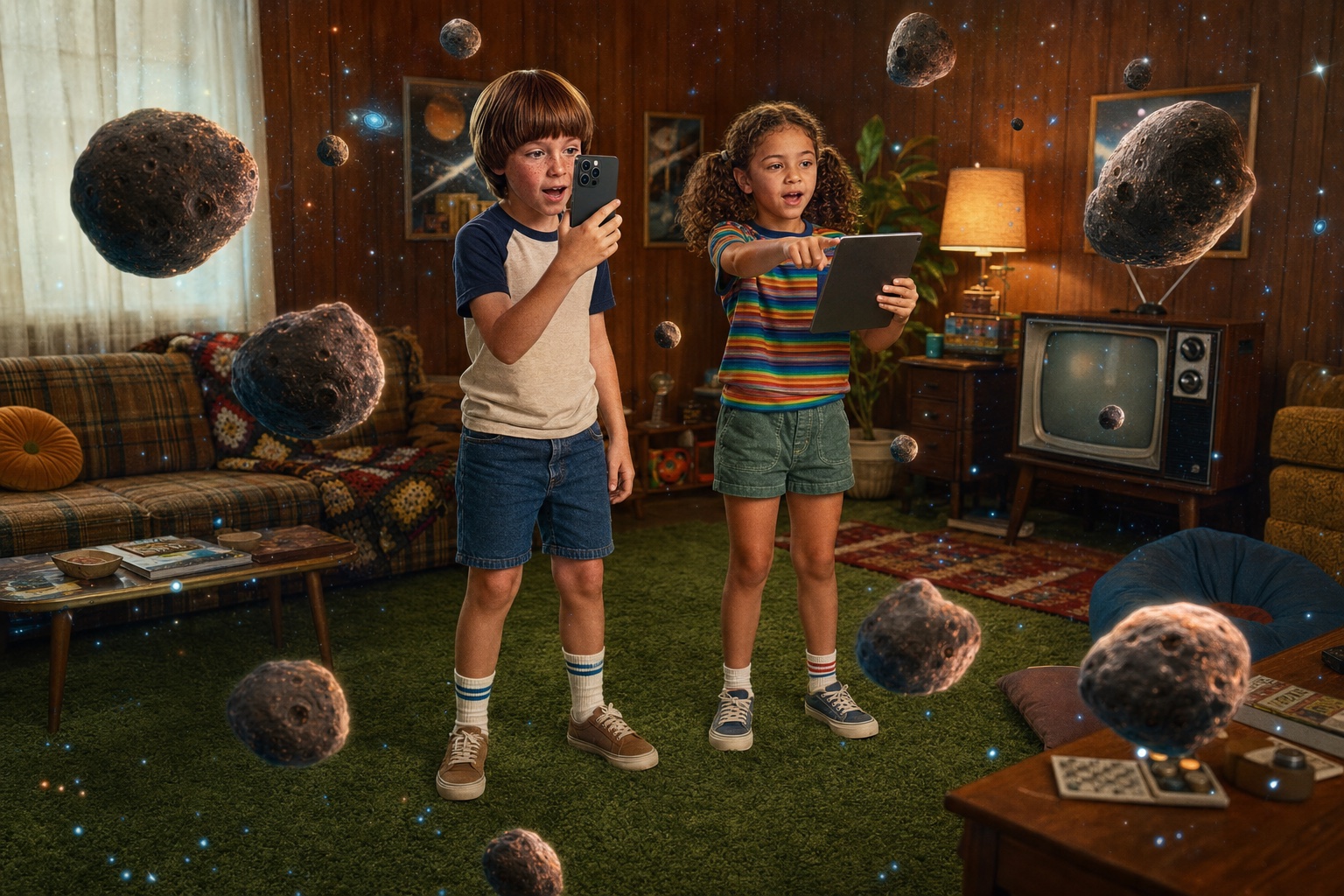

Constellations around you
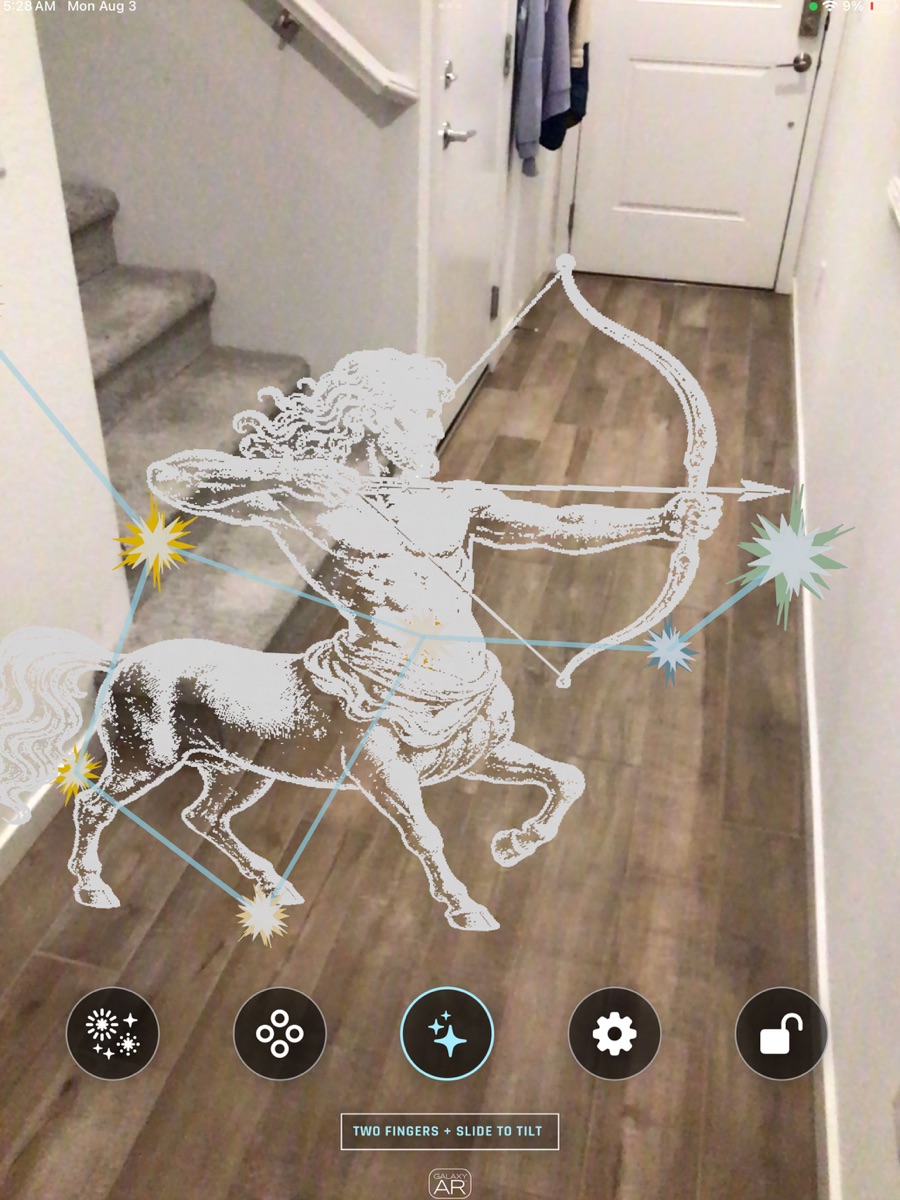
Galaxy AR includes an interactive constellation experience with selectable constellations, visible stars, connecting lines, illustrated totems, and an Earth View that helps place the sky around the viewer.
Captured from the current app
These are current captures of the Galaxy AR planetarium running on real devices. The iPhone view brings labeled planets close to the camera, while the iPad view shows the room-scale solar system and its current five-button navigation along the bottom edge.
Move between performance-friendly and richer star fields.
Adjust speed, system scale, and vertical position.
Show or hide galaxy, constellations, orbits, and text.
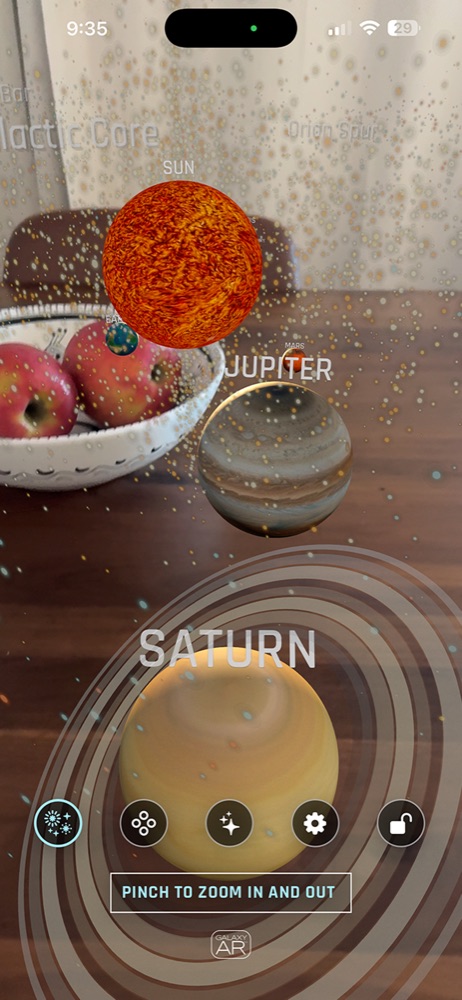
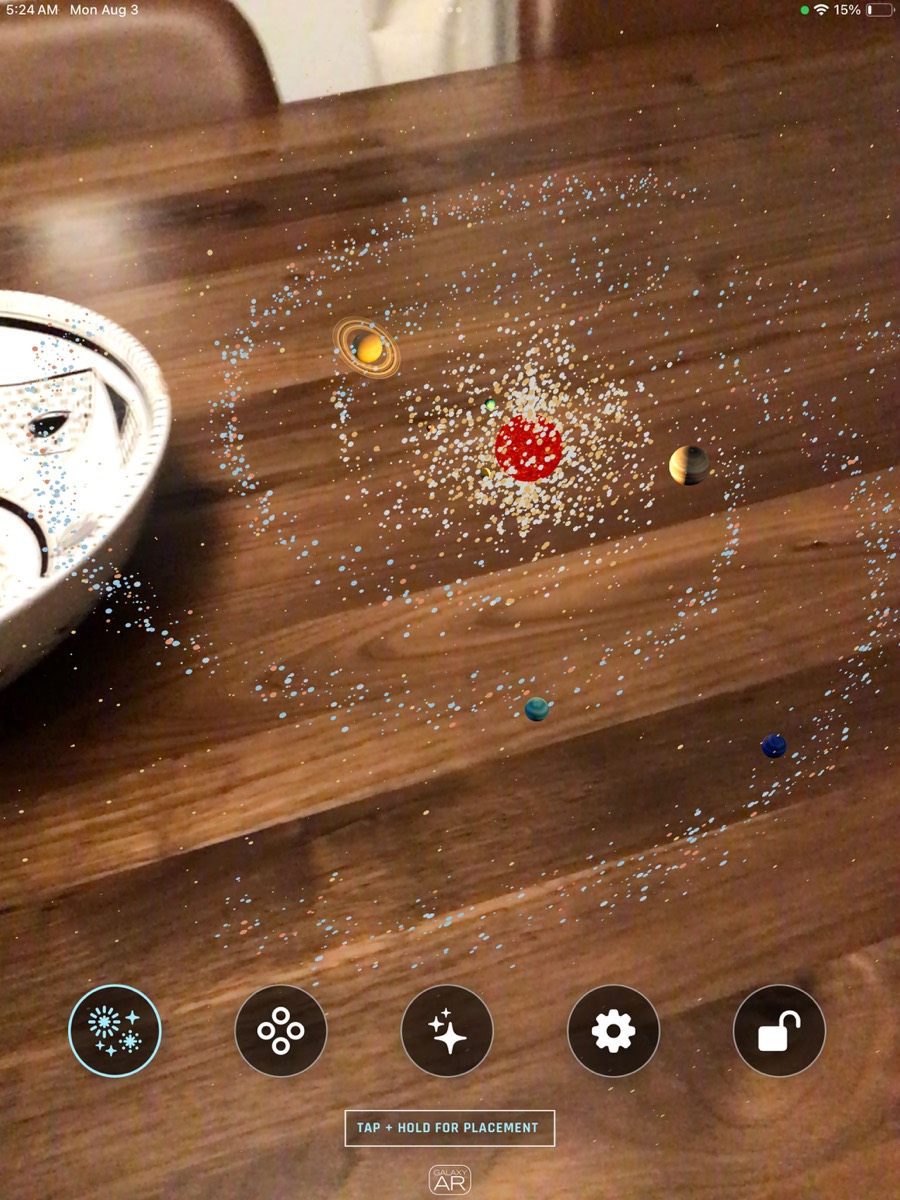
Move from the scale of a galaxy to the worlds orbiting our Sun. This interactive planetarium presents the solar system with planets, orbital paths, labels, surface views, and responsive perspectives.
Select the Sun, Moon, or a planet and bring it forward for a closer look without losing your place in the larger system.
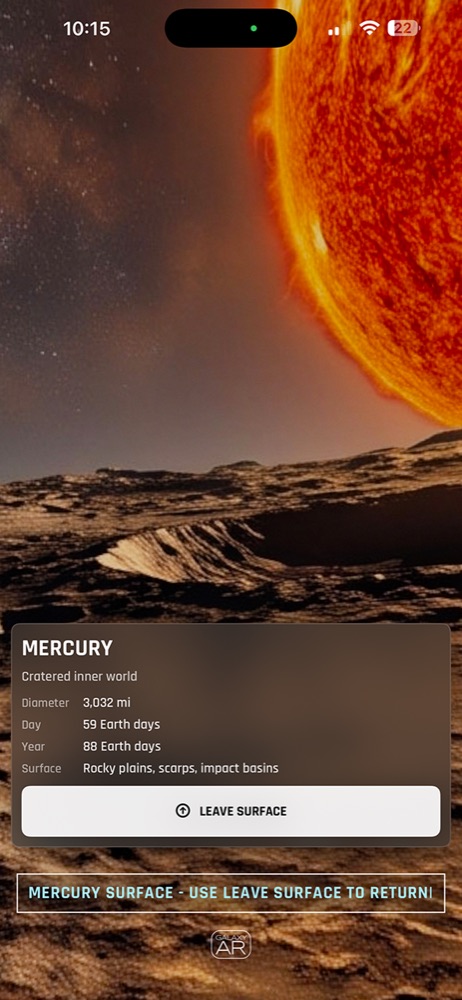
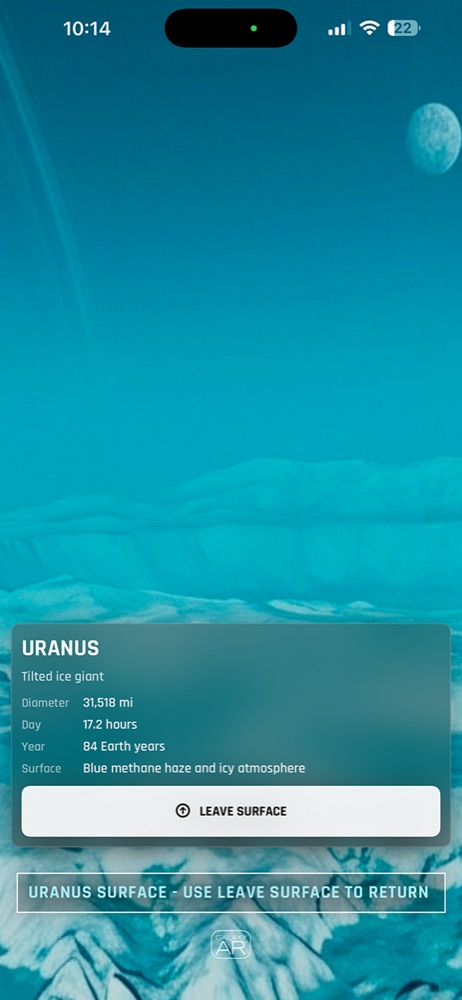
Compare diameter, day length, year length, and a short description of each world’s surface or atmosphere.
Toggle orbital paths and labels to make the structure of the solar system easier to see from any angle.
Each planet includes its own simulated soundscape, designed to give every world a distinct atmosphere while you explore.

Travel from the room-scale solar system into immersive panoramic VR planet environments. Virtual Reality planet visits surround the viewer with the selected world, then provide a clear path back to the system.
Compare Mercury’s cratered terrain, Venusian clouds, Earth’s oceans, the Moon, Mars, the giant planets, and the blue ice giants through distinct textures, facts, and views.
Pinch to zoom, use two fingers to tilt or rotate, move the system vertically, change its speed, and lock placement when the view feels right.
Listen to a different designed soundscape for each planet as you move through the system. These atmospheric sounds are creative simulations, not recordings captured on the planets.
Inside the current app
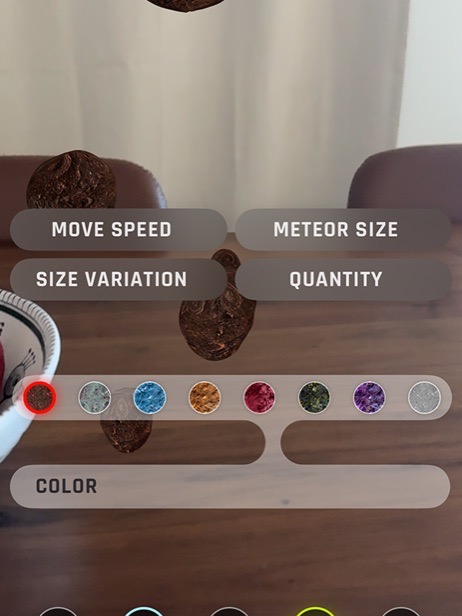
See how the Galaxy AR planetarium adapts its controls across iPhone and iPad—from meteor styling and constellation selection to immersive Virtual Reality planet visits with facts and a clear return to the solar system.
For Galaxy AR support, privacy questions, business inquiries, or feedback, email us directly.